
If you want to upgrade your subscription — either from the Free plan to Pro, or Pro to Premium — head to your account dashboard settings and go to Plans.
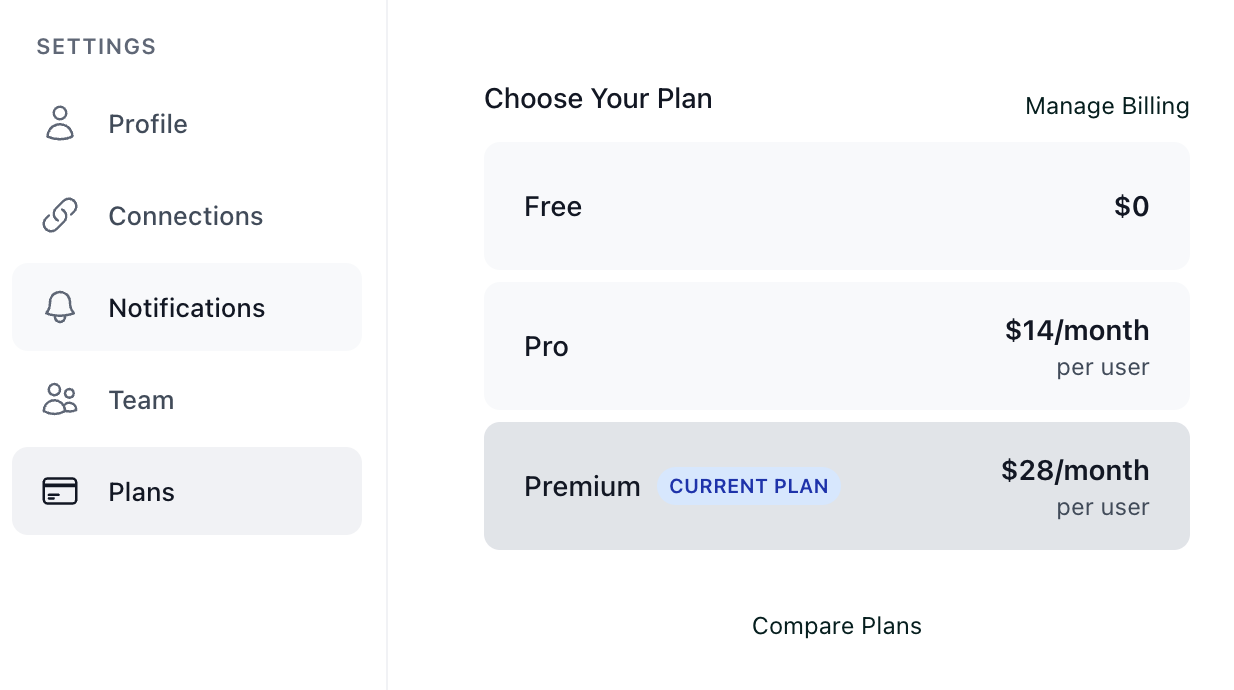
Choose the new plan you'd like to change to and click Upgrade.
This will take you to a billing page where you can confirm your change and enter your billing information if required. Once you upgrade, you will have access to the paid features immediately.