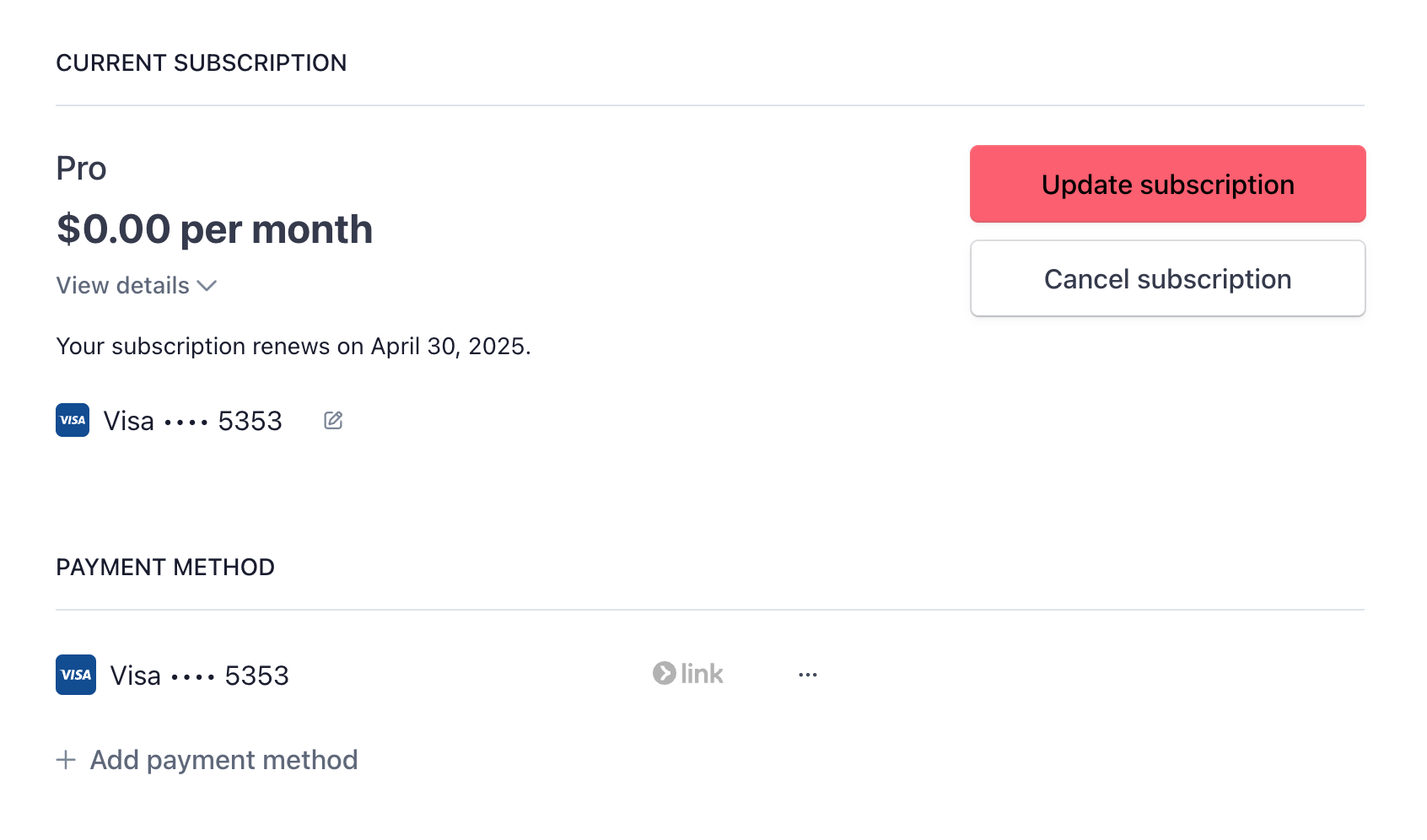
If you are on a paid tier and need to swap out a credit card, you can easily do so from the Skej dashboard.
- Head to Plans in your account dashboard and click Manage Billing.
- This will bring you to your subscription page. You can either click the edit icon next to your credit card, or Add payment method, to update your credit card and set it as your default payment method.