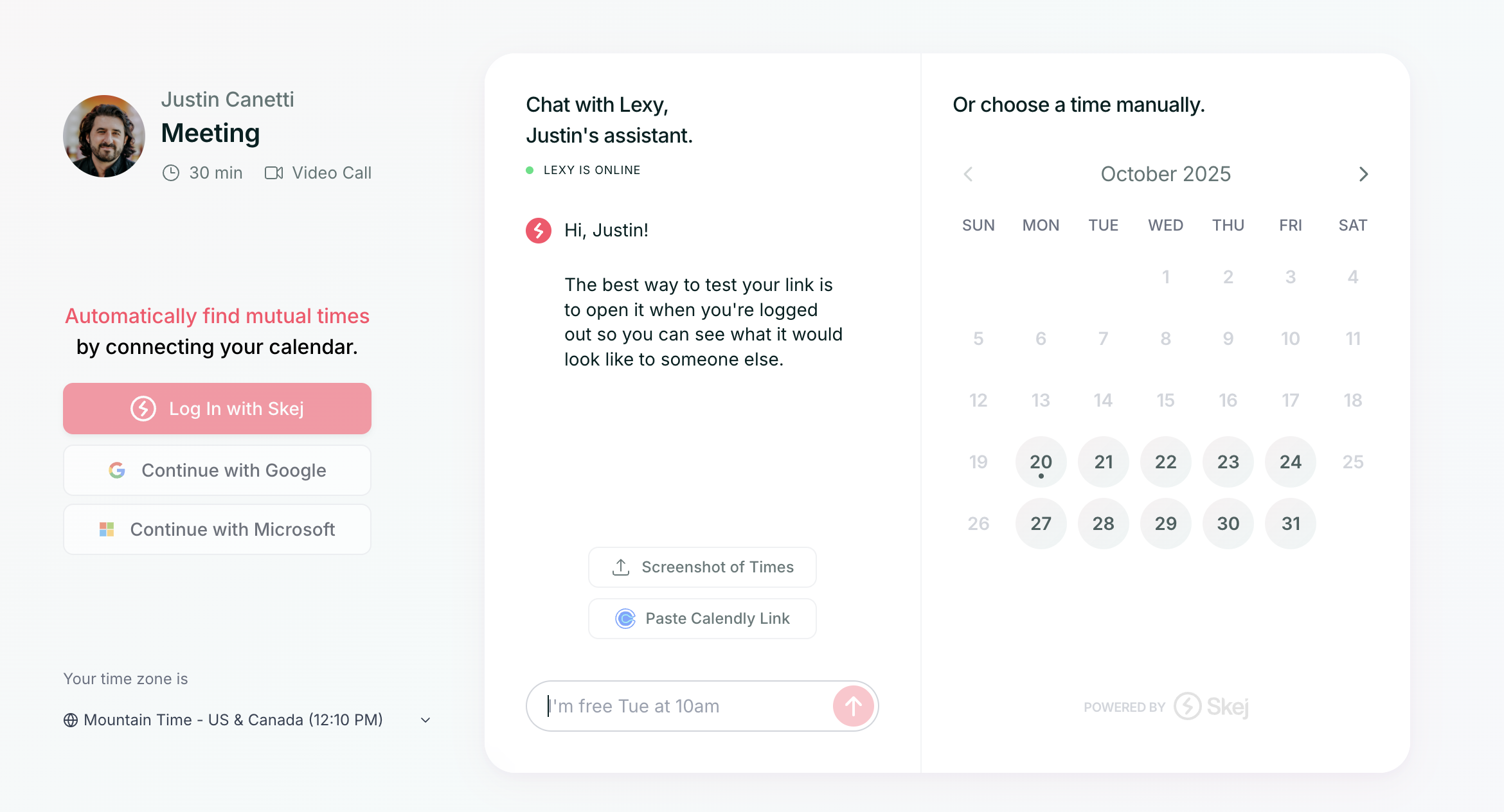
A booking link is your personal scheduling page — a shareable link that lets others book time with you based on your real-time availability. Each connected email address in Skej has its own booking link that matches your working hours, buffers, meeting duration, and video preferences. You can also create additional links for different meeting types, clients, or situations.
How Booking Links Work
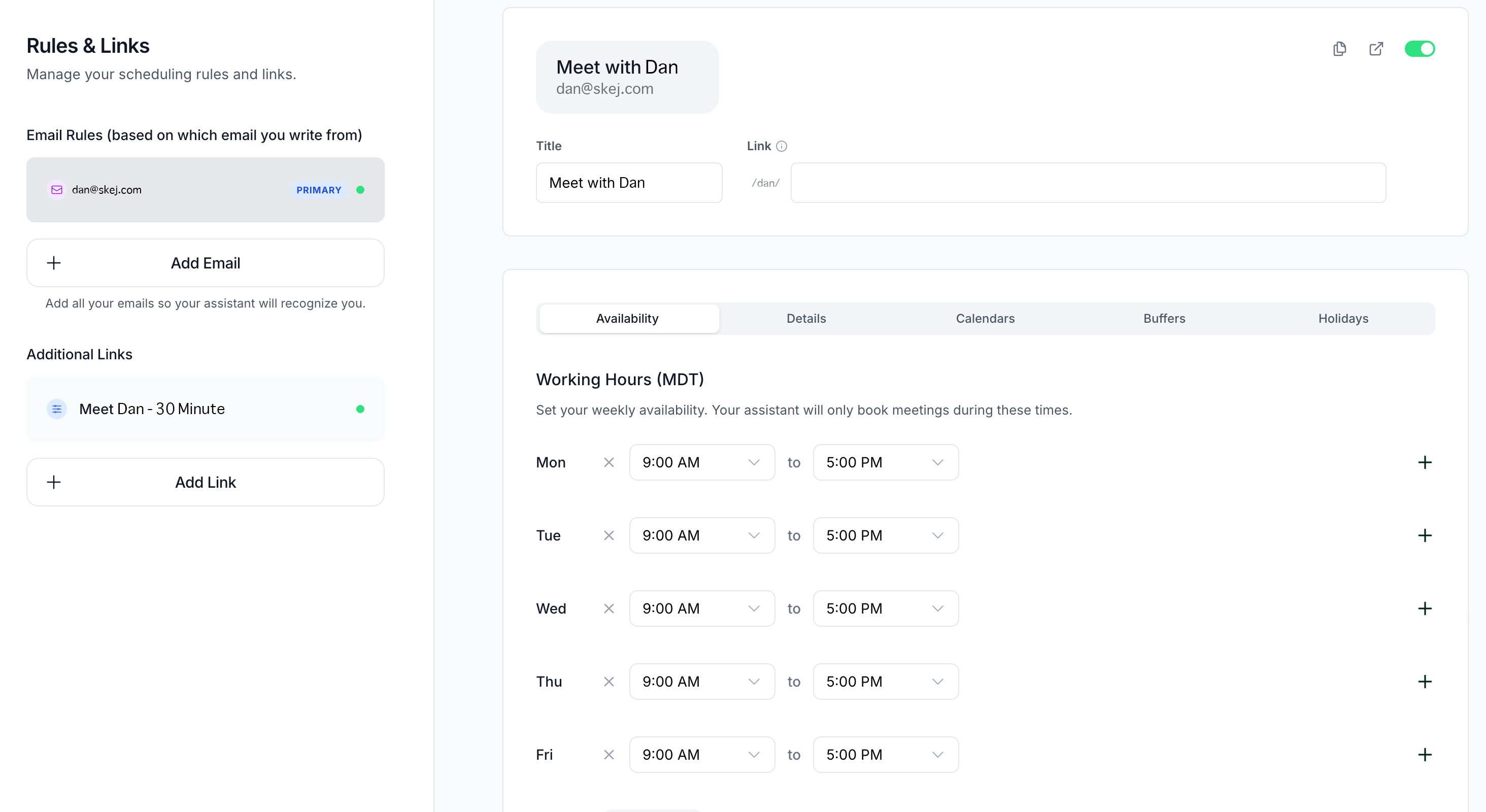
- Your primary booking link automatically matches the settings for your primary email address.
- If you have multiple email addresses connected, each one will have a unique booking link and its own availability rules.
- Anyone who books through that link will see only the times you're available for that specific calendar setup including recurring availability, buffers, blocks.
- Meeting invitations will include your defaults for that email like video conference link, duration, etc.
Your Booking Link URL
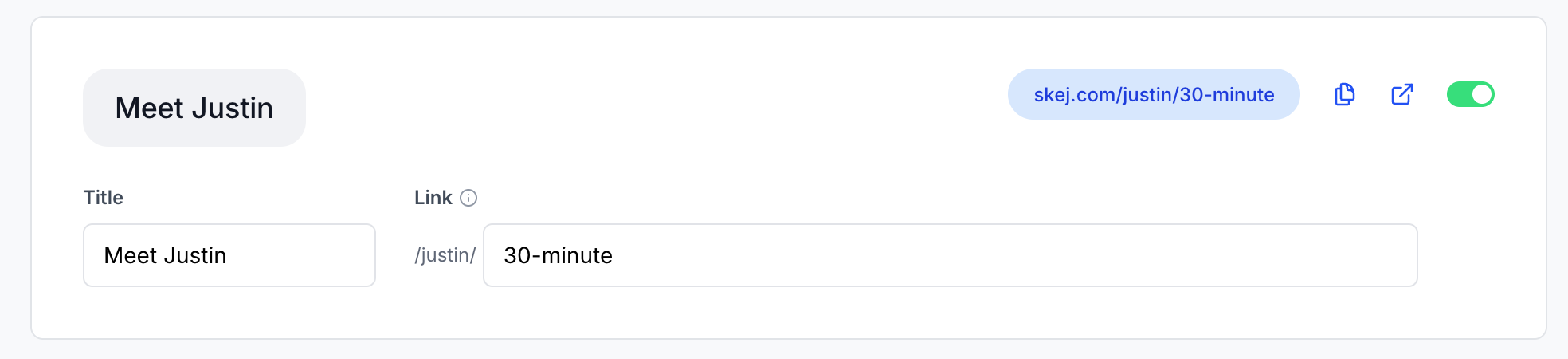
On the top right corner of the dashboard, you'll see your booking link URL highlighted in blue. For each additional link you create, you can customize the URL and see it displayed there to ensure it's correct.
Customizing Your Booking Link
You can personalize your primary booking link to fit your style or situation:
- Title → This is what appears on your booking page. (Default: Meet with [Your First Name])
- URL → Customize the end of the link to make it more recognizable or unique. Example:
skej.com/dan/product-demo
These customizations make it easy to recognize your links for different purposes.
Creating Additional Booking Links
Need separate links for different meeting types or audiences? You can create as many as you'd like.
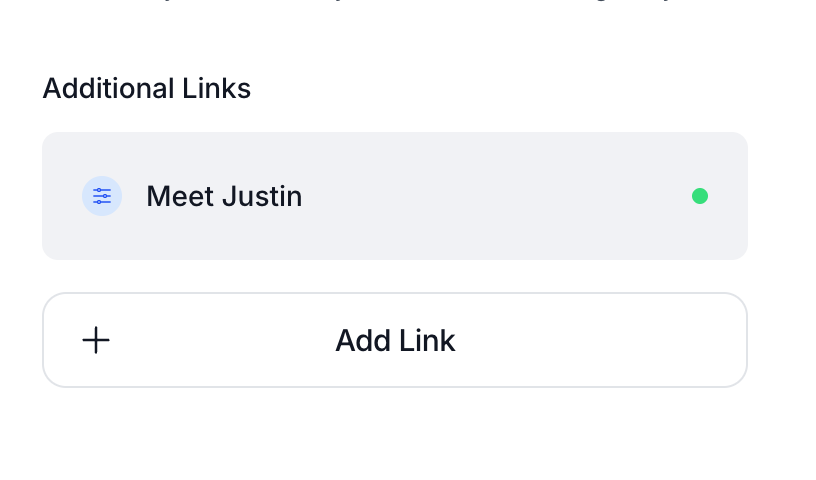
- Click Add Link in your Booking Links page.
- Choose a new title and custom URL.
- Adjust settings like duration, buffers, availability, and video conferencing preference.
You can create unlimited booking links — perfect for differentiating between internal meetings, demos, clients, or friends.
Example Use Cases
- A short 15-minute intro call link for new contacts.
- A 60-minute strategy call for clients.
- A “VIP” link with fewer available slots or priority hours.
Each link follows its own rules and calendar availability.