
Where Skej Works
Skej is available in:
- Direct messages (1:1 with Skej)
- Private group messages
- Public or private Slack channels (when added)
- Skej will not work in Slack Connect channels connected to members of external Workspaces
Adding Skej to a Channel
To use Skej in a channel:
- Add @Skej to the channel like any other member
- Once added, Skej can help coordinate meetings within that space
You can add Skej to:
- Team channels (e.g., recruiting, sales)
- Private group channels
- Dedicated scheduling channels
How Skej Listens
Skej only responds when explicitly invoked.
- Tag @Skej to trigger it
- In a new message, Skej only sees that message
- In a thread, Skej can see prior messages in that thread for context
Skej does not read or monitor all messages in a channel.
Scheduling Internal Meetings
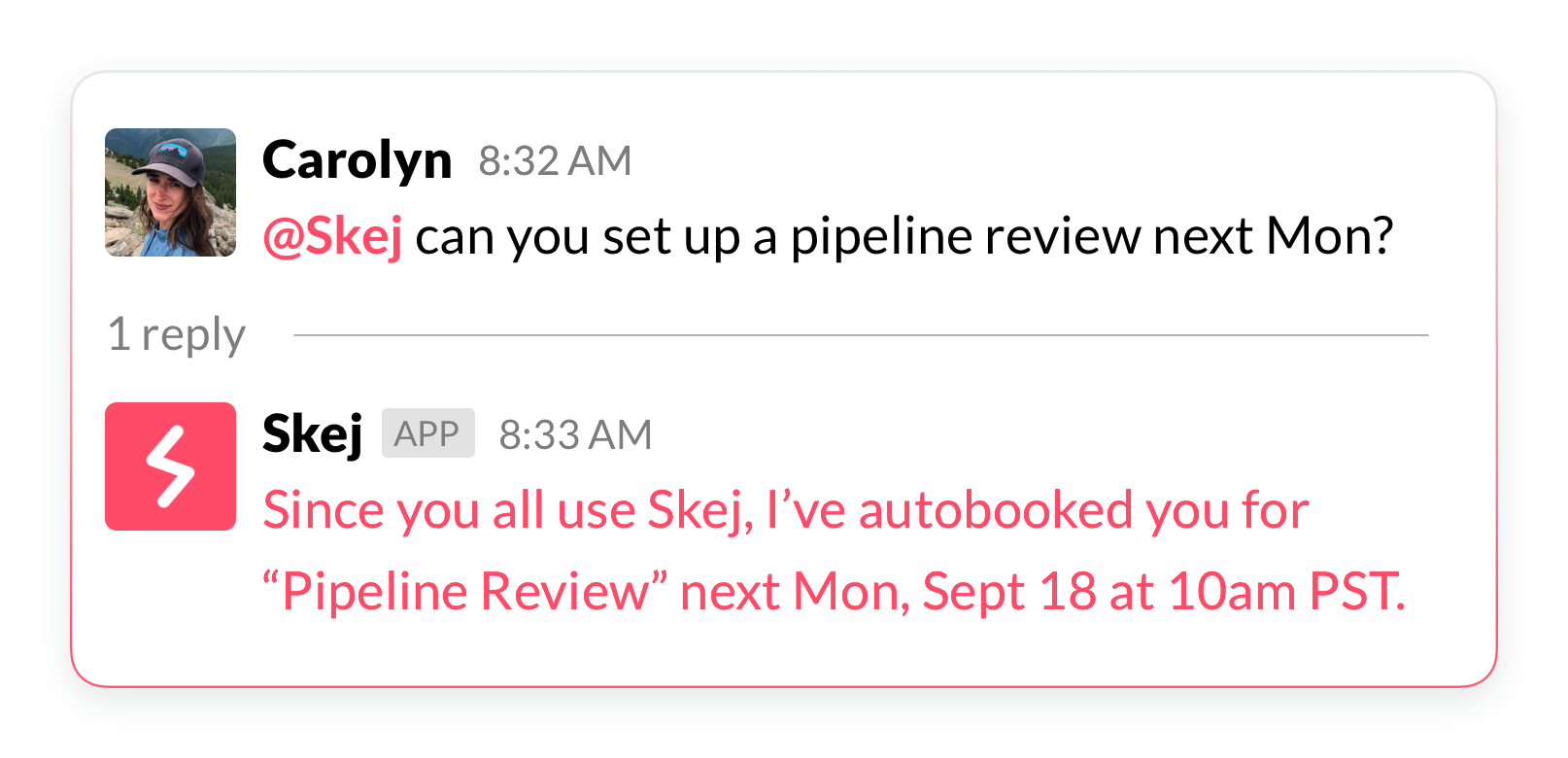
If participants are Skej users, scheduling is instant.
Skej:
- Checks availability across calendars
- Applies preferences and buffers
- Automatically books the best time
You can:
- Tag specific people: @Alex @Taylor
- Use @channel for group coordination
Skej will confirm once the meeting is scheduled.
Finding Availability
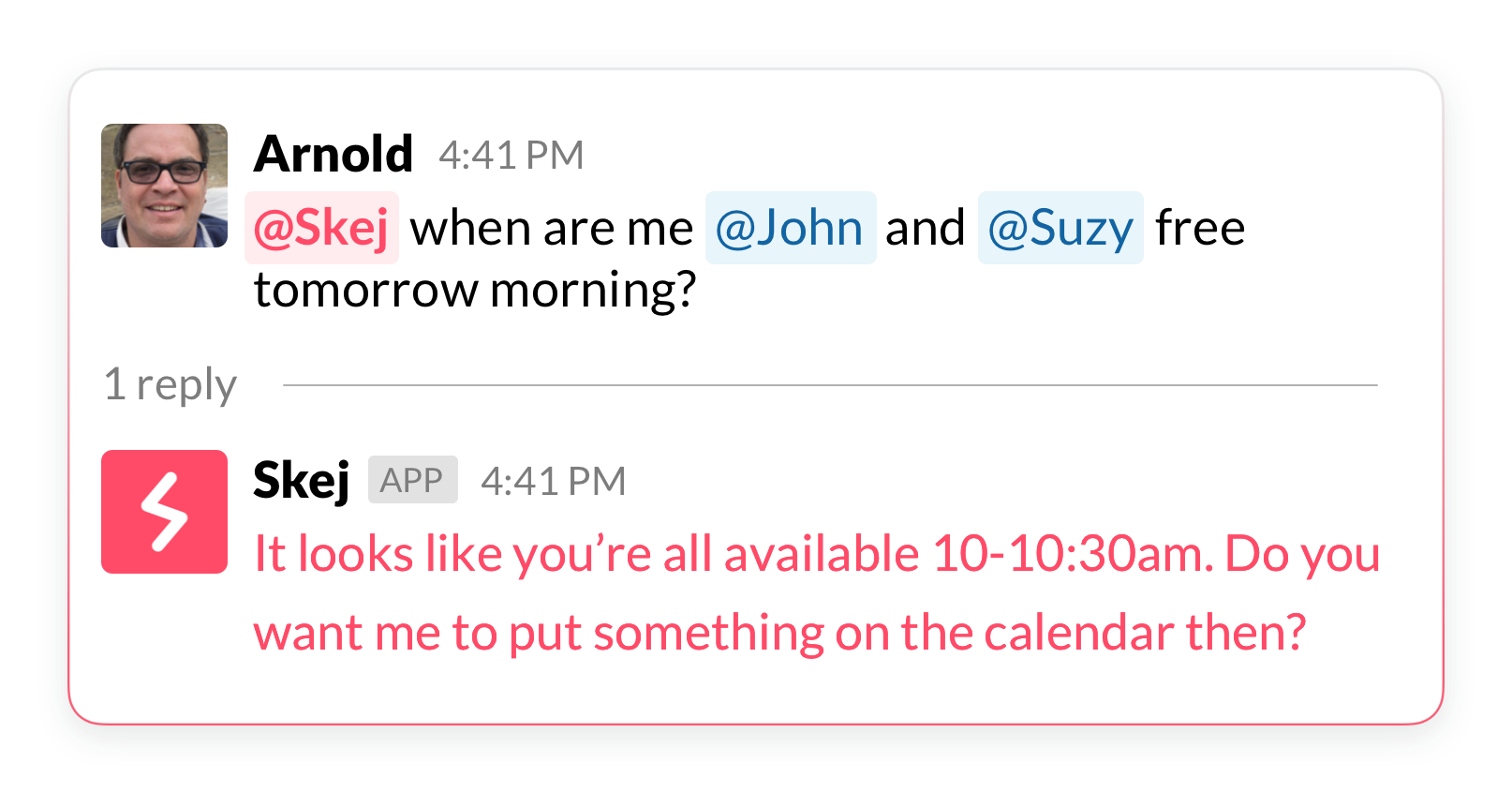
Not ready to book yet?
Ask Skej to:
- Show overlapping availability
- Compare schedules across time zones
- Suggest meeting windows
Using Skej in DMs
You can message Skej directly for any scheduling or calendar request.
To start a DM:
- Open Slack sidebar
- Go to Apps
- Click Skej
Example Commands:
Schedule a meeting
“Schedule a meeting with Sarah next week.”
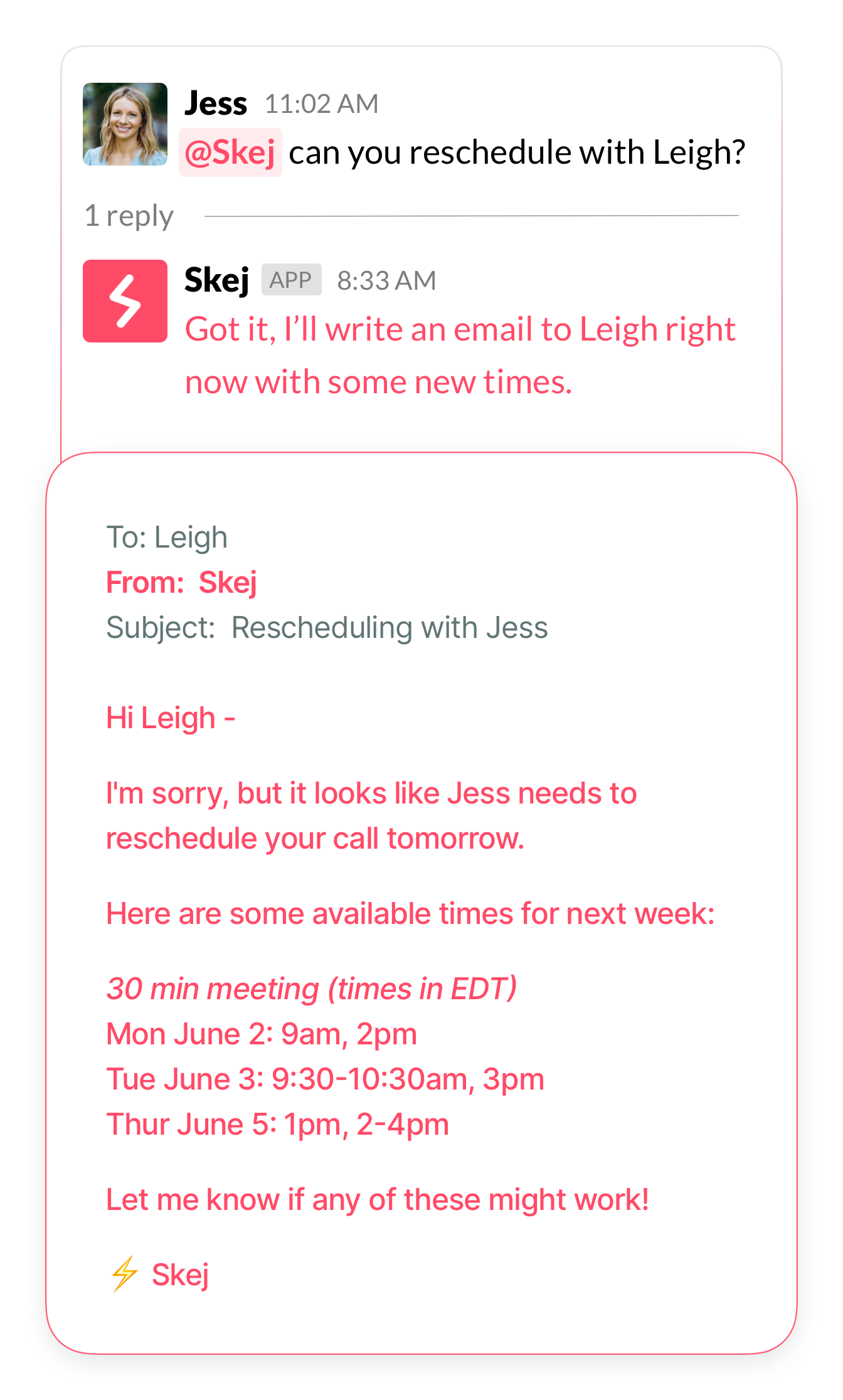
Skej will confirm which contact you want to schedule with and email them on your behalf.
Reschedule a meeting
“Move my 3pm meeting to tomorrow at the same time.”
Skej will update the meeting and notify participants.
Check your calendar
“What's on my schedule today?”
Skej will return you back with your schedule.
Get reminders & agendas
- Skej sends you a daily agenda each morning
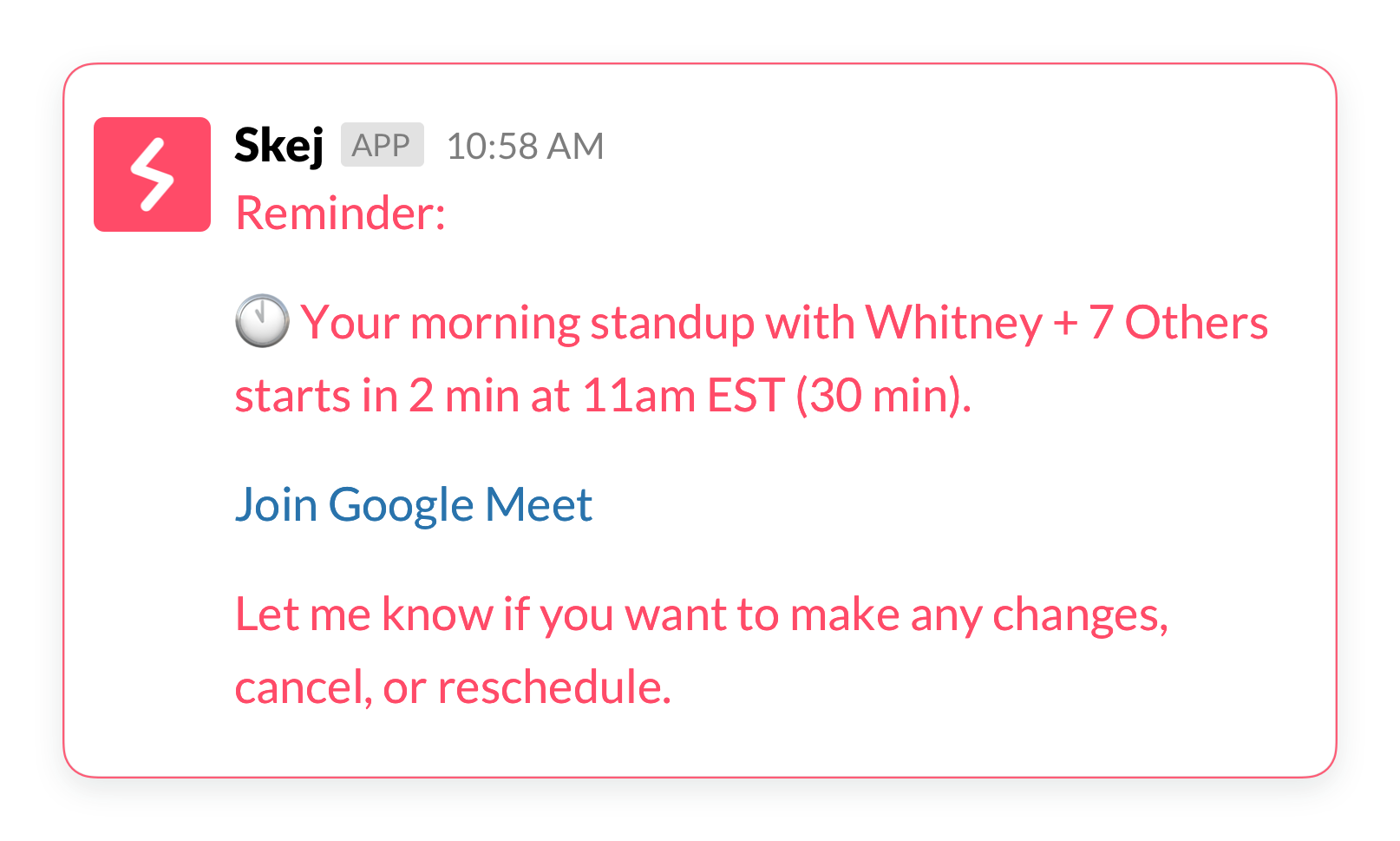
- Skej sends you reminders before each meeting
Make changes
“Cancel my lunch with John.”
“Change my call with Alex to 4pm.”
Running late
“Let everyone in my upcoming meeting know I'm running 10 min late because the subway is delayed.”
Skej will email everyone in the meeting to let them know.
Add to calendar
Send Skej any screenshot, photo, or just text existing event details and Skej will automatically add the event on your calendar.
Key Notes
- Skej only operates where it is added or messaged
- It does not access messages unless invoked
- Scheduling with external participants is handled via email